CSVs in VS Code
This page is all about working with CSV files in Datacoves' VS Code in the browser.
Features
Rainbow CSV
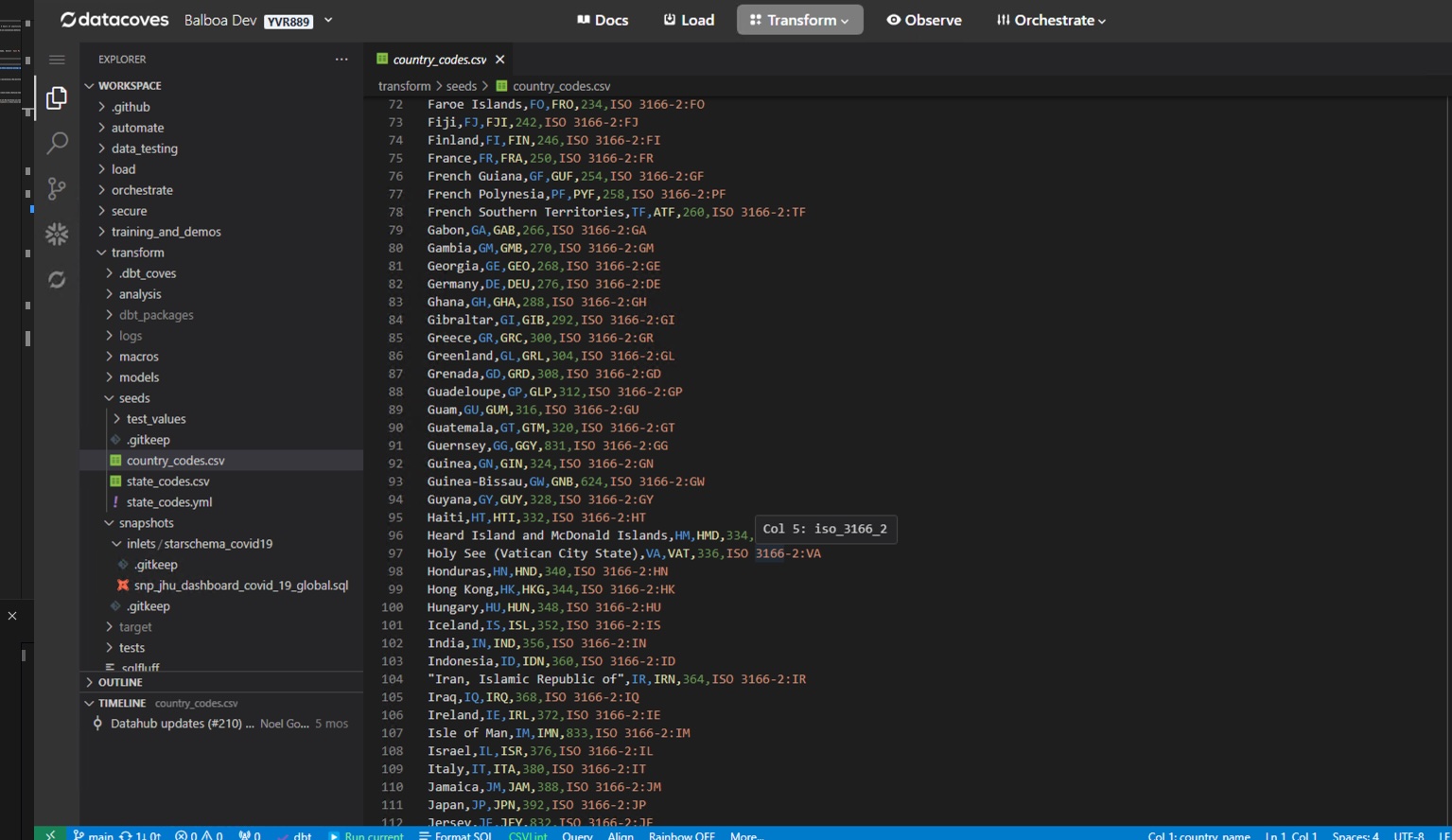
Rainbow CSV comes installed by default to bring color to your CSV files, making it more human readable.
Editing CSVs
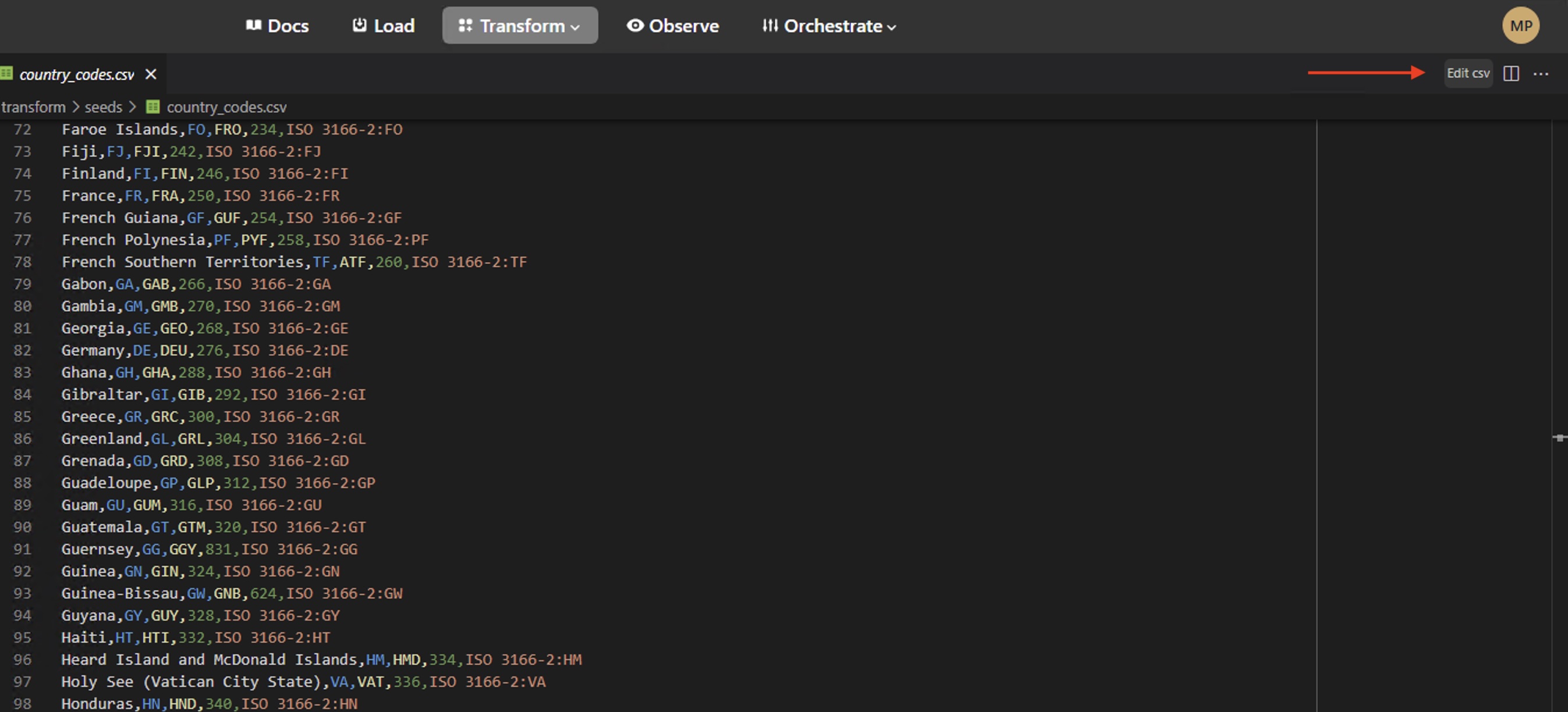
Editing CSVs is made simple with the Edit CSV option or right clicking on the file.
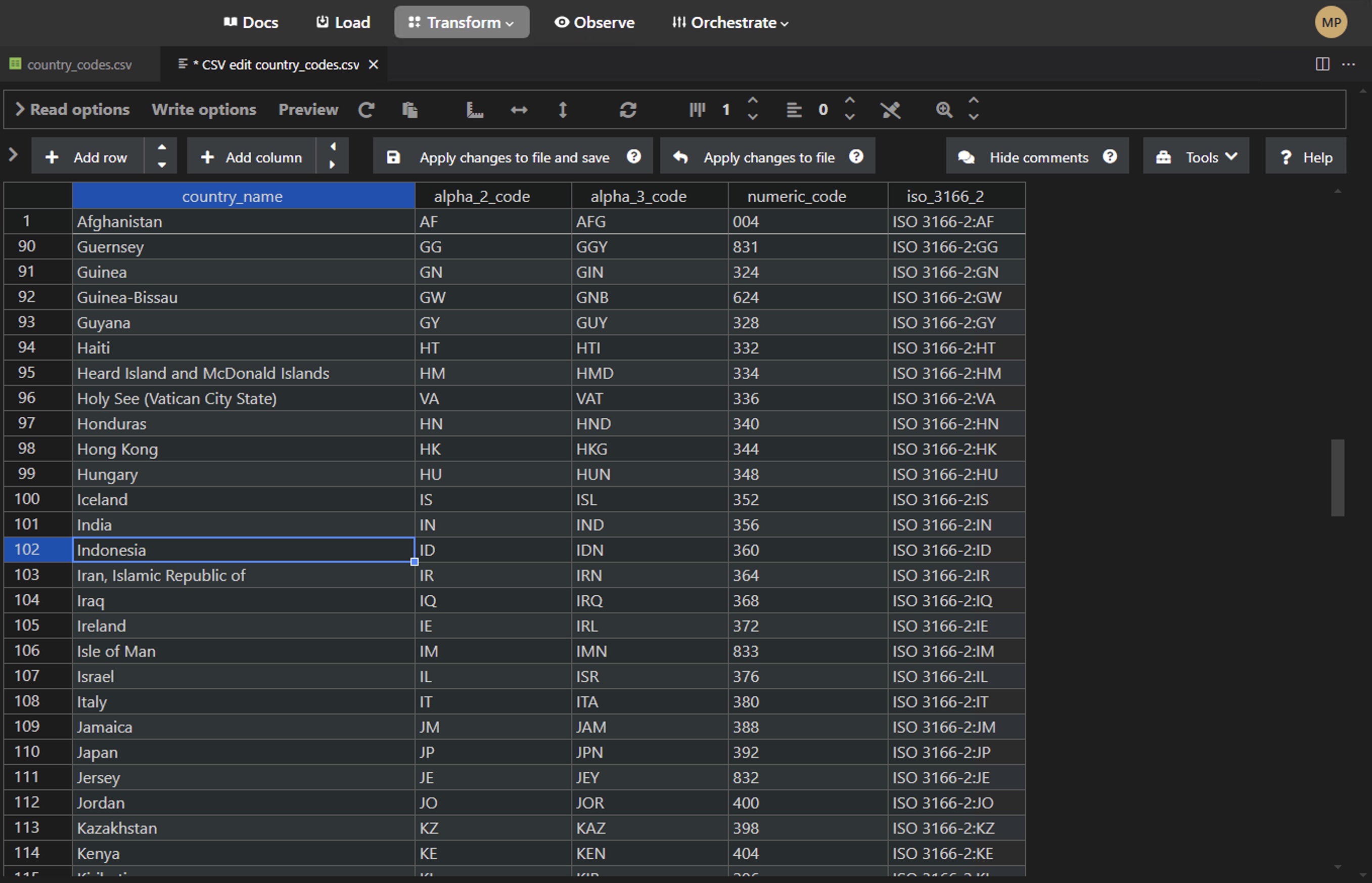
This will open up the CSV editor seen below.
Autosave
Unlike the rest of VS Code in the browser experience which makes use of Autosave. When editing CSVs we are using the CSV preview extension which does not autosave. Always save using CMD/CTRL + S or use the Apply changes to file and save button.